Map a missing required field
You might have an integration where one system has required fields that aren’t present in the other system. For example, Jira might require that a component or team is set, but that information isn’t entered in Jama Connect.
To map the missing required field:
Use the Constant Field – Static option to map a non-existent, read-only field that is set to a hard-coded value, then select the Transformations link.

In the Constant Value field, enter the static value that you want to assign.
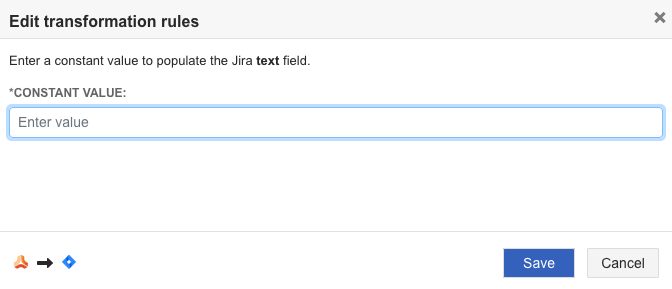
Select Save.
Supported field type combinations
Jama Connect field | Jira field |
|---|---|
Constant Field - Static | Multi-select |
Constant Field - Static | Single Select |
Constant Field - Static | Float |
Constant Field - Static | HTML |
Constant Field - Static | Text |